Vigil Documentation
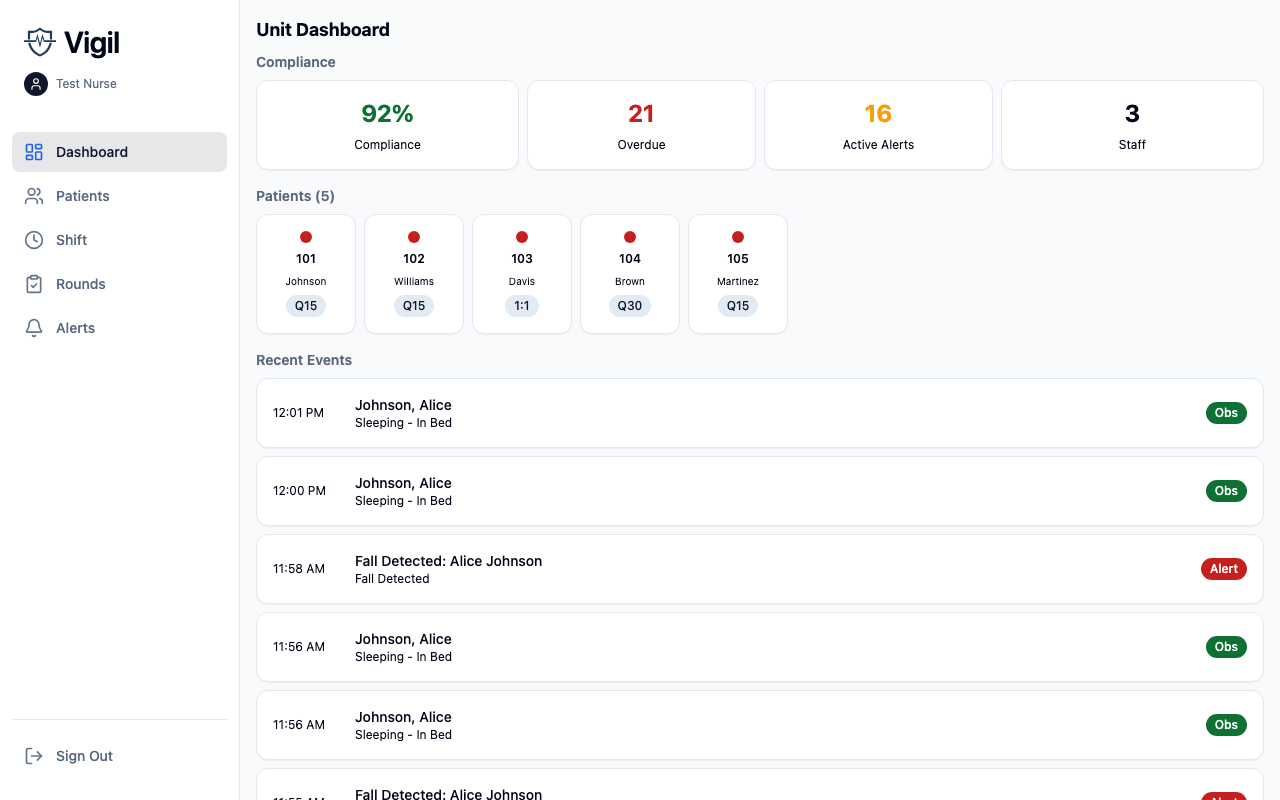
Vigil is a patient observation documentation system with proximity verification for healthcare facilities. It helps clinical staff document patient observations with proof of physical presence, manage alerts and escalations, and maintain compliance with observation protocols.
Who This Documentation Is For
- Facility IT administrators setting up and configuring Vigil
- Clinical leadership understanding how the system supports patient safety workflows
- Integration teams connecting Vigil to EMR systems and sensor hardware
Key Features
Proximity-Verified Observations
Staff document patient observations with automatic verification that they were physically present. Vigil uses UWB and BLE sensors to confirm staff proximity before accepting an observation.
Real-Time Alerting
When observations become overdue or vitals fall outside safe ranges, Vigil creates alerts that escalate through configurable levels until acknowledged.
Shift Management
Charge nurses manage shift assignments, staff view their patient assignments, and handoff notes carry forward between shifts.
EMR Integration
Observations, vitals, and assessments sync bidirectionally with hospital EMR systems. Patient census updates flow from the EMR to Vigil via ADT messages.
Environment of Care Rounds
Staff complete inspection checklists at locations throughout the facility, with issues automatically generating work orders.
Getting Started
If you're setting up Vigil for the first time, start with the Getting Started guide.
For existing installations, jump to:
- Configuration - Facility, unit, and patient settings
- Clinical Workflows - How observations, alerts, and assessments work
- Integrations - EMR and sensor setup
- API Reference - Technical integration endpoints